Paperwhite Weather
Turn a used Kindle Paperwhite into a quiet, always-on e-ink home display: time, current weather, a multi-day forecast, and sun/twilight times, with interchangeable skins. A small Python service renders the dashboard as a PNG; the jailbroken Kindle only downloads and displays it.
The source, the issue tracker, and the releases are on GitHub. The project is installed from there; it is not published to PyPI or any other package index.
How it works
Client-server, with the Kindle as a thin display. A machine on your LAN that stays on (a
Raspberry Pi will do) runs paperwhite serve: it fetches Open-Meteo every 15 minutes,
keeps the last good snapshot, and renders a 1072x1448 PNG on request, quantized to the
panel's 16 grays. The Kindle runs a small POSIX shell script that finds the server by name,
fetches the frame, paints it with eips, and suspends until the next refresh with an RTC
wake. Architecture records the decision and its alternatives.
Put it on the wall
- The server. From the checkout on the always-on machine,
deploy/install.shinstalls a user-level systemd unit and checks/health; re-running it aftergit pullis the update. Deploying the service has the details. - The Kindle. Jailbreak it first: Device notes has the runbook that was followed for a Paperwhite 3 on firmware 5.16.2.1.1, with the legal note. Then copy the client to the device and tell it your server's hostname: kindle/README.md.
The skins
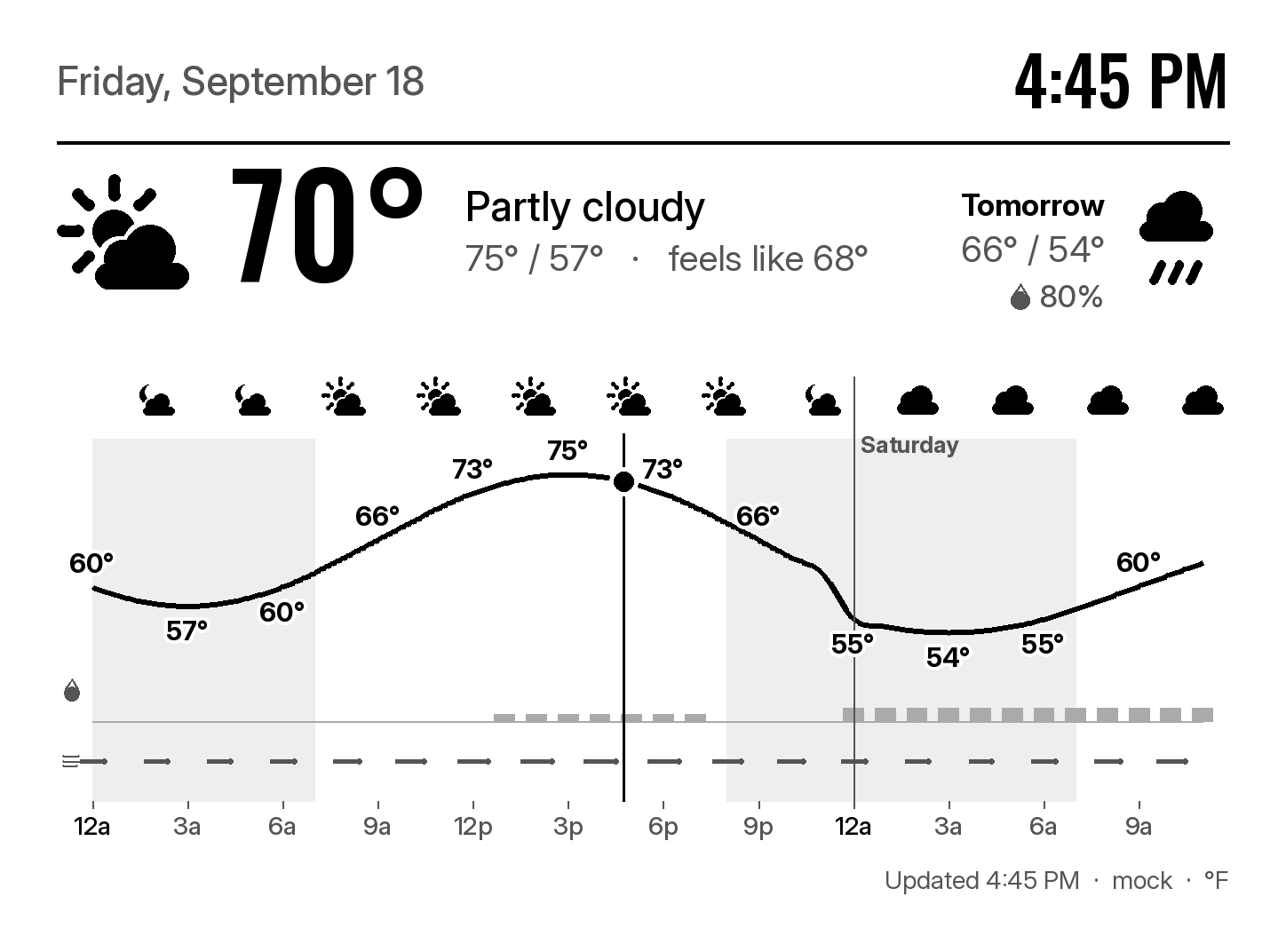
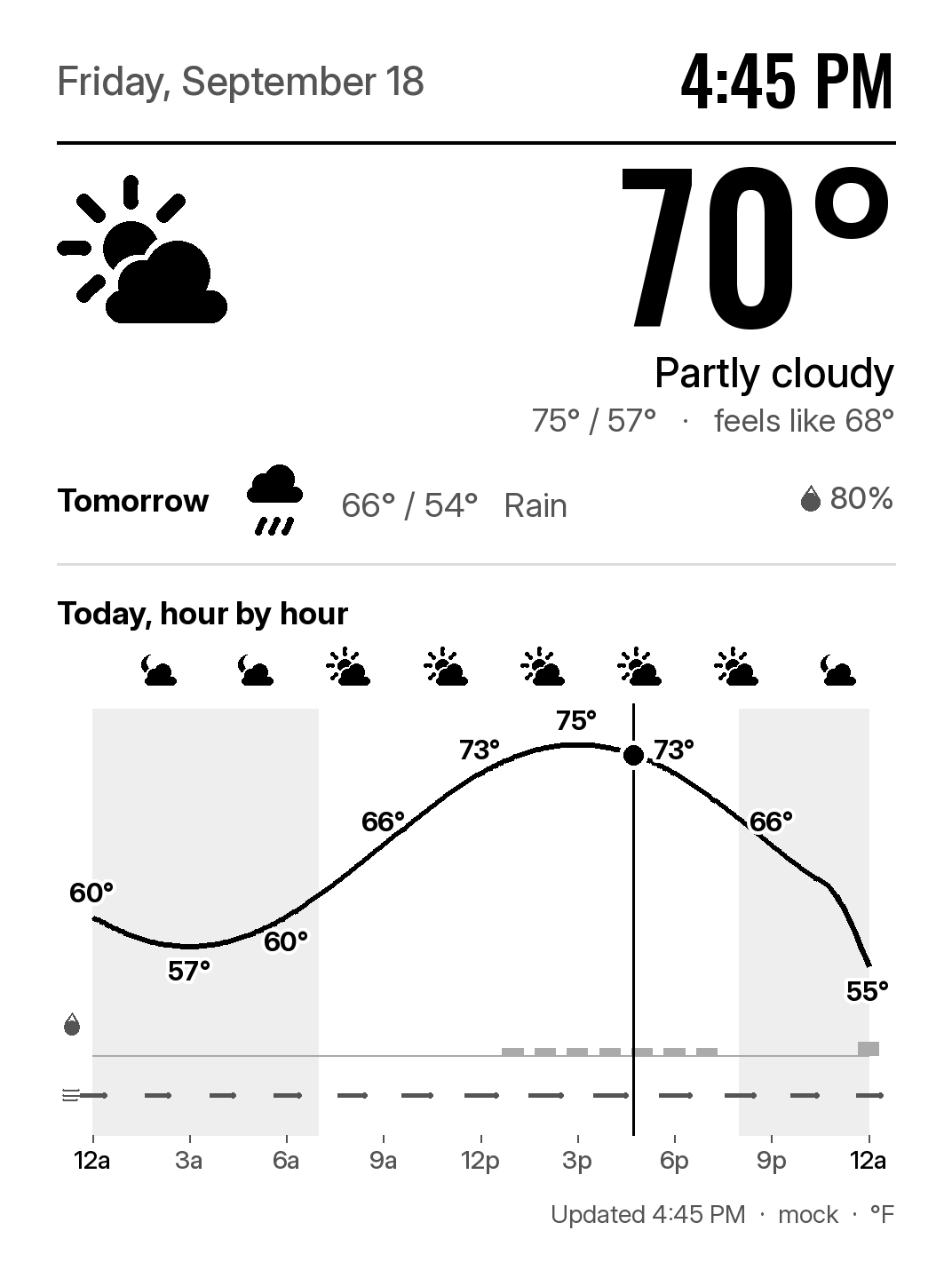
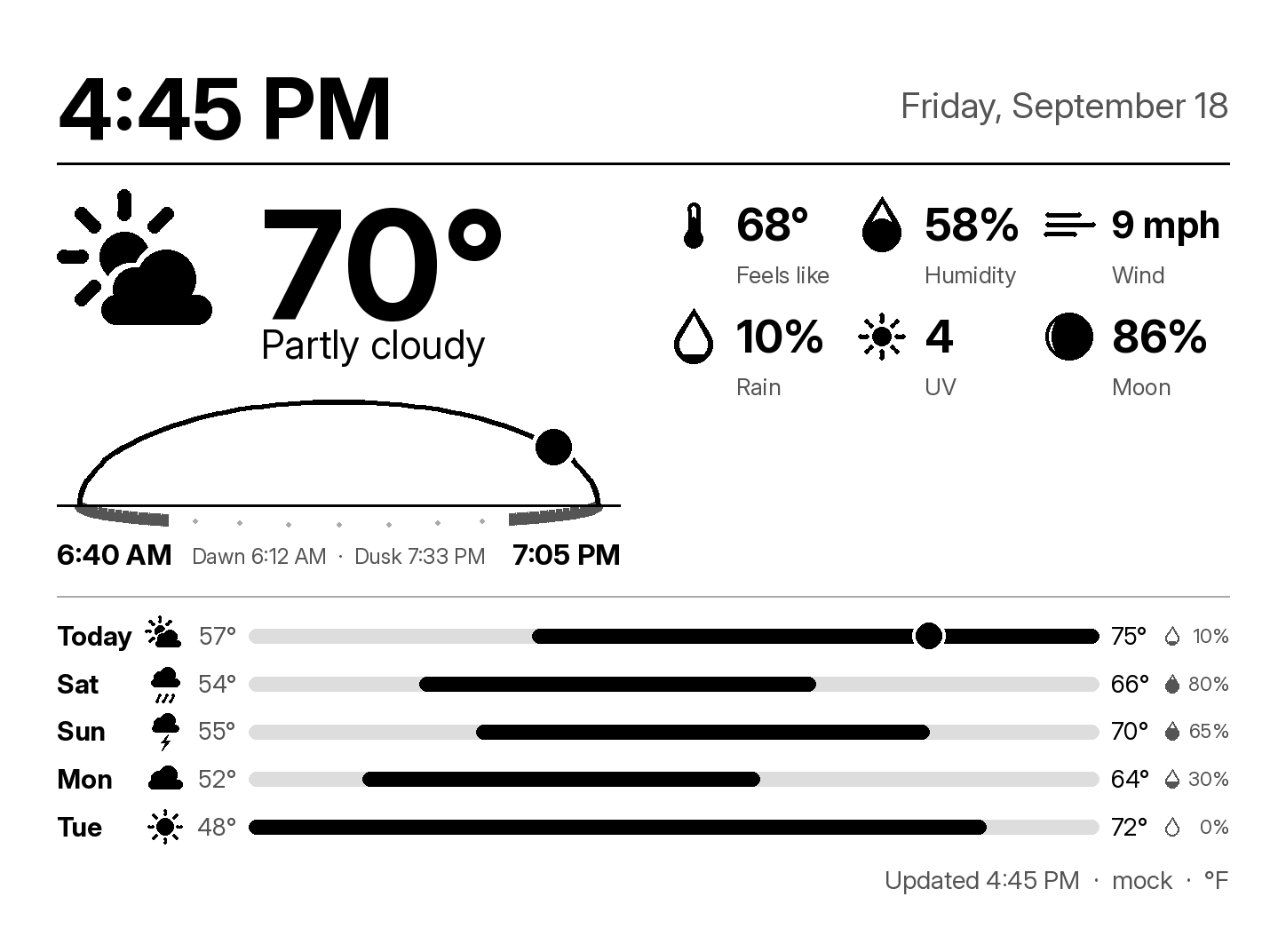
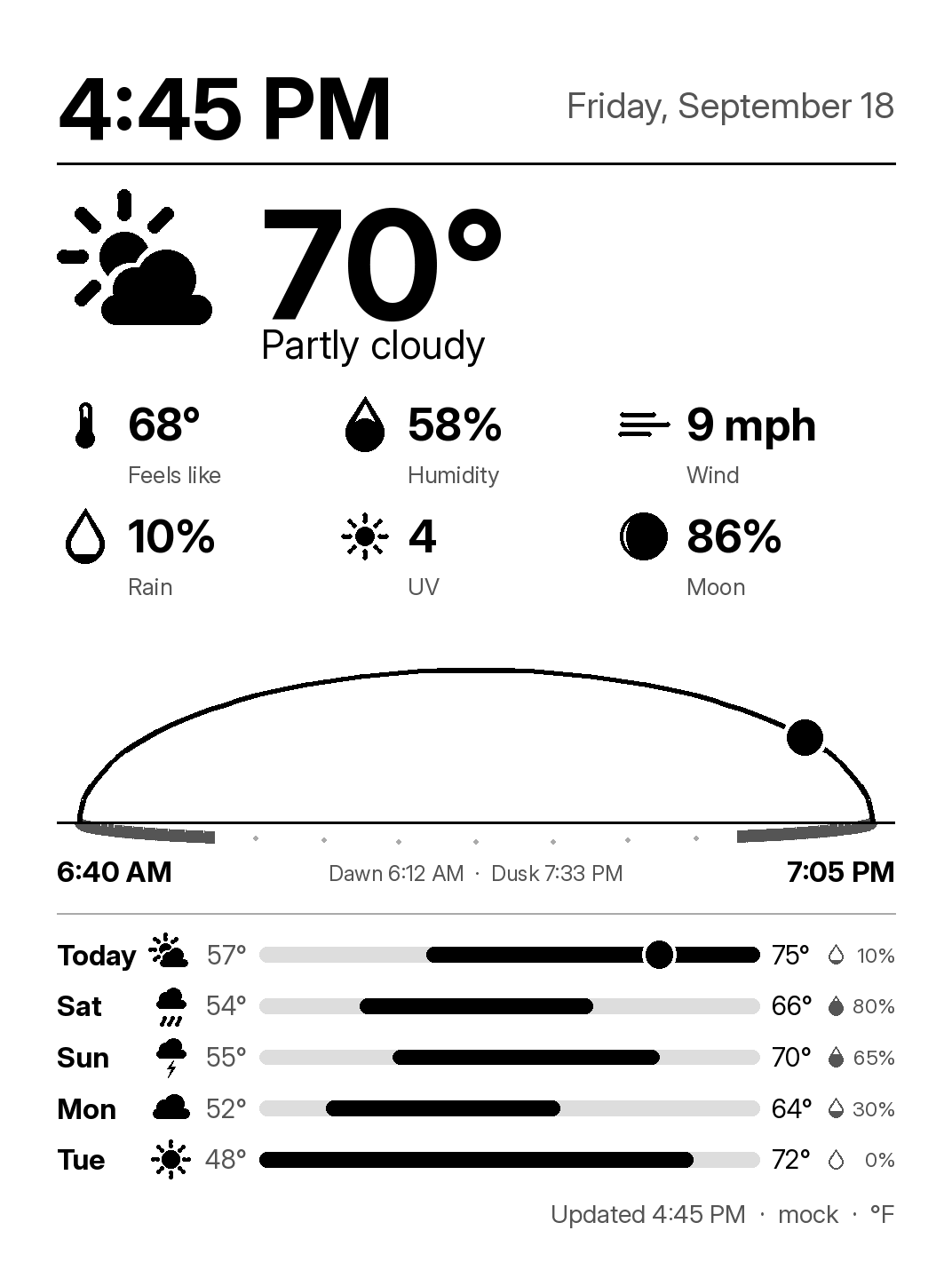
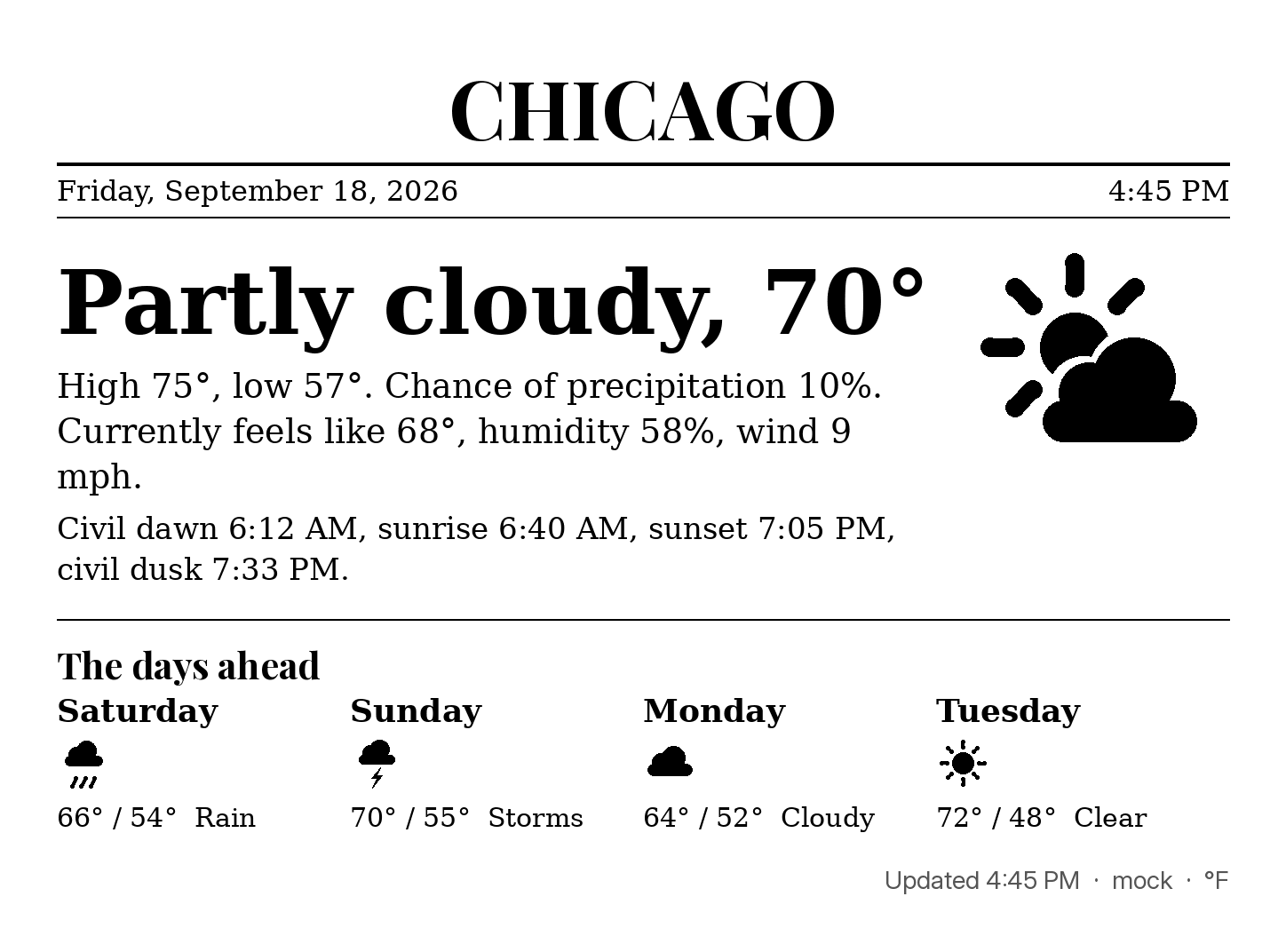
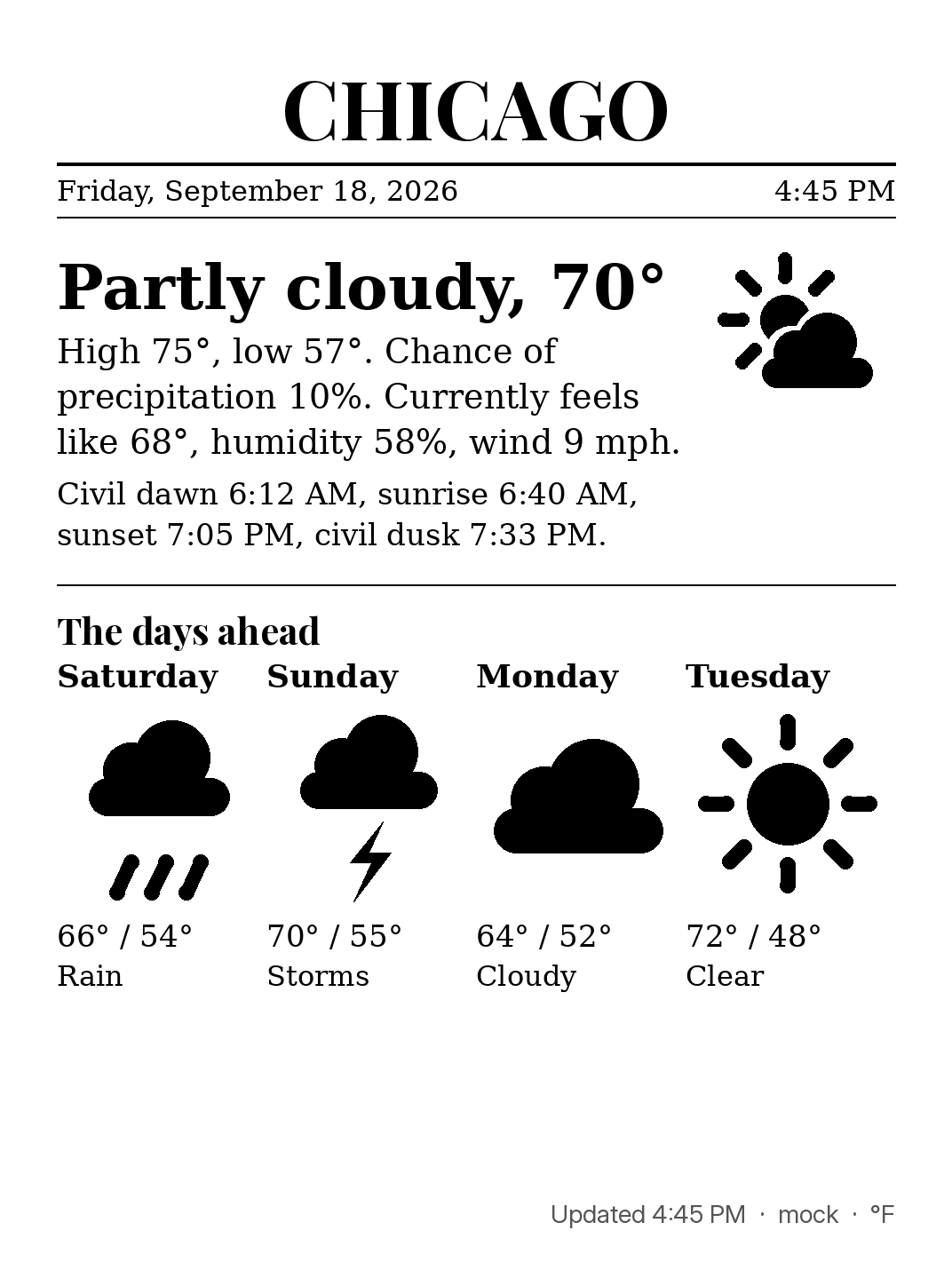
Seven skins on one data model, from quiet to detailed, each with a landscape and a portrait layout. Rendered from the mock provider at the same instant; landscape as it reads on the wall.
| Skin | Landscape | Portrait |
|---|---|---|
minimal (default) |
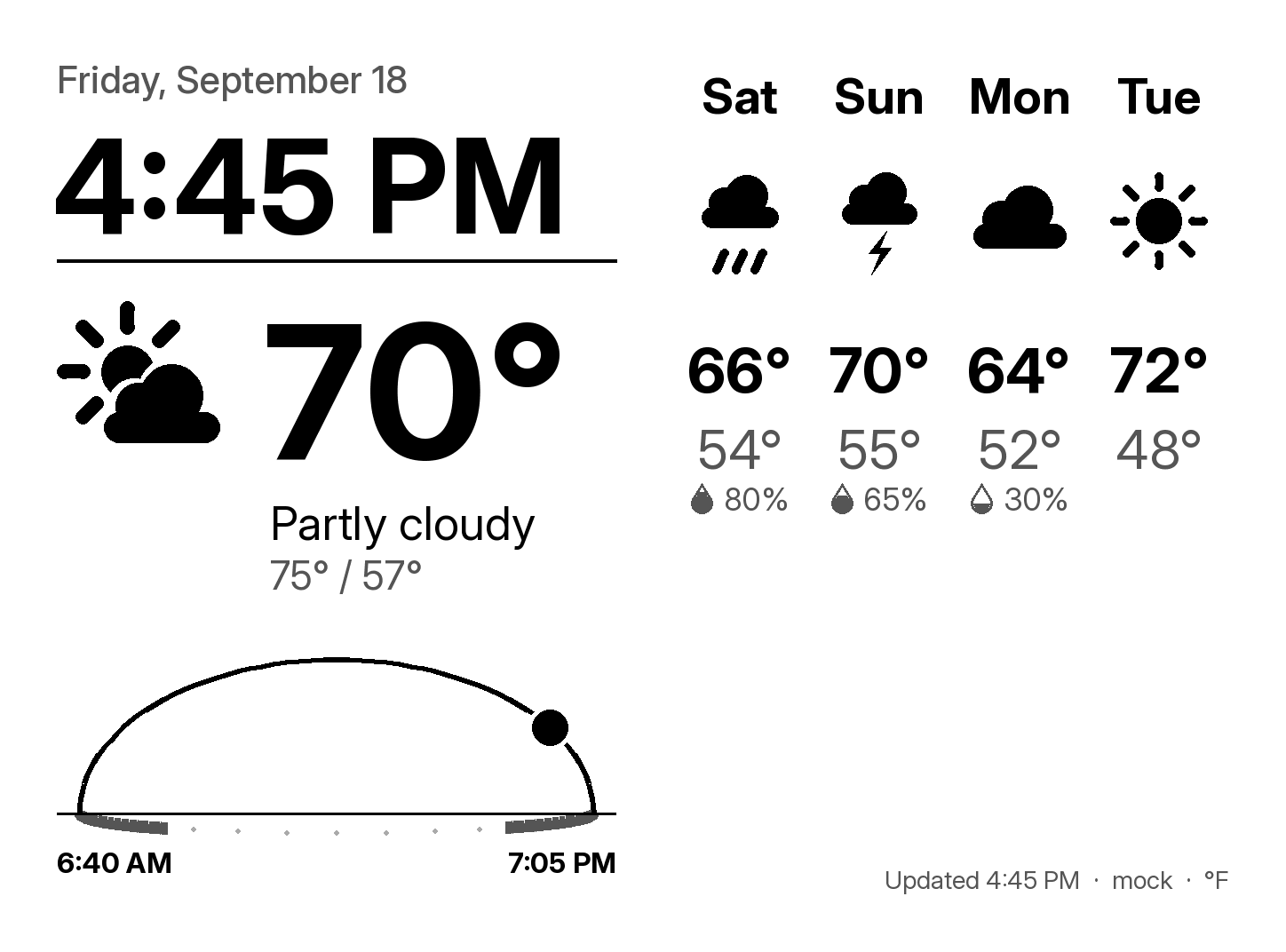 |
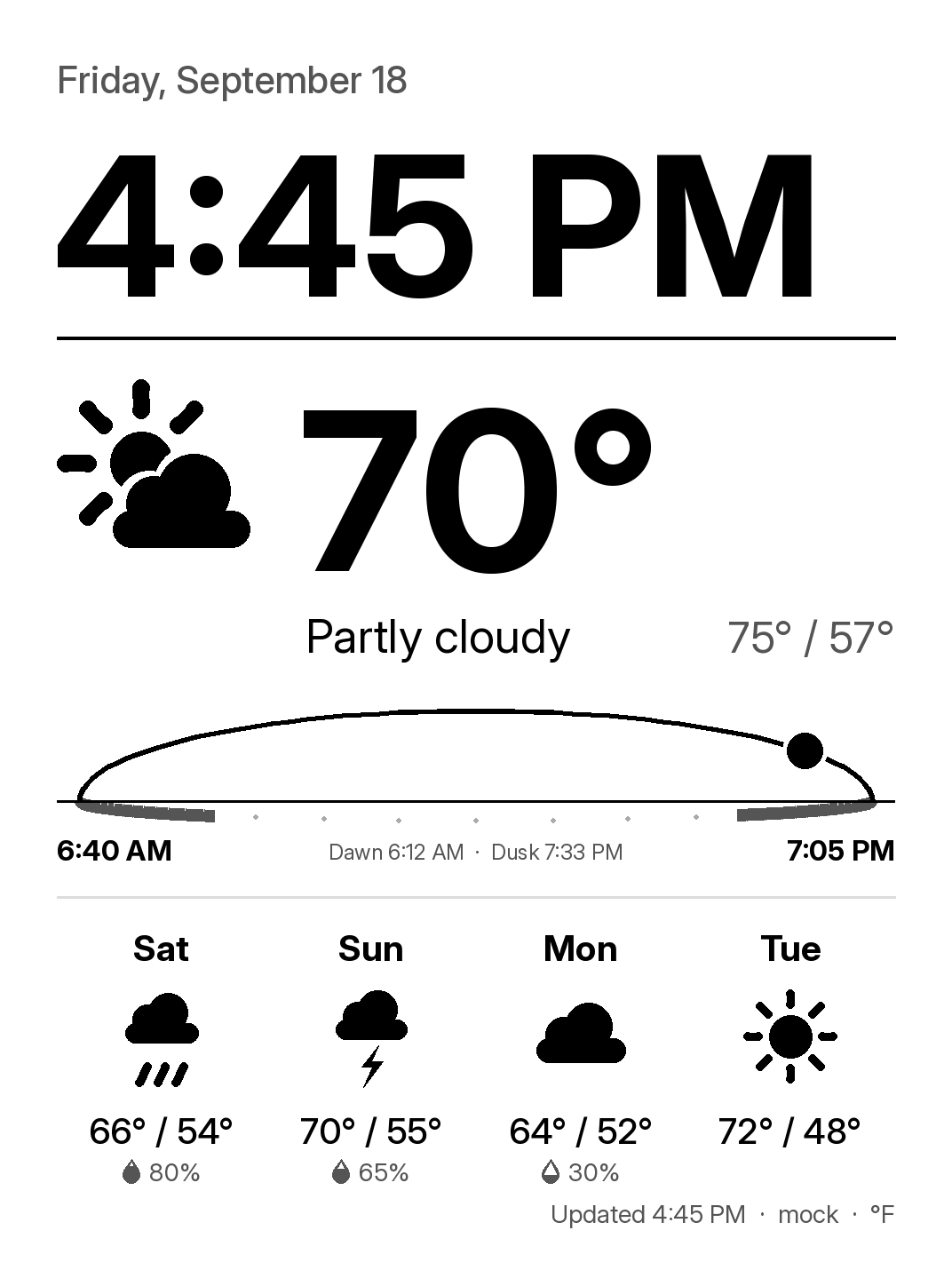 |
big-clock |
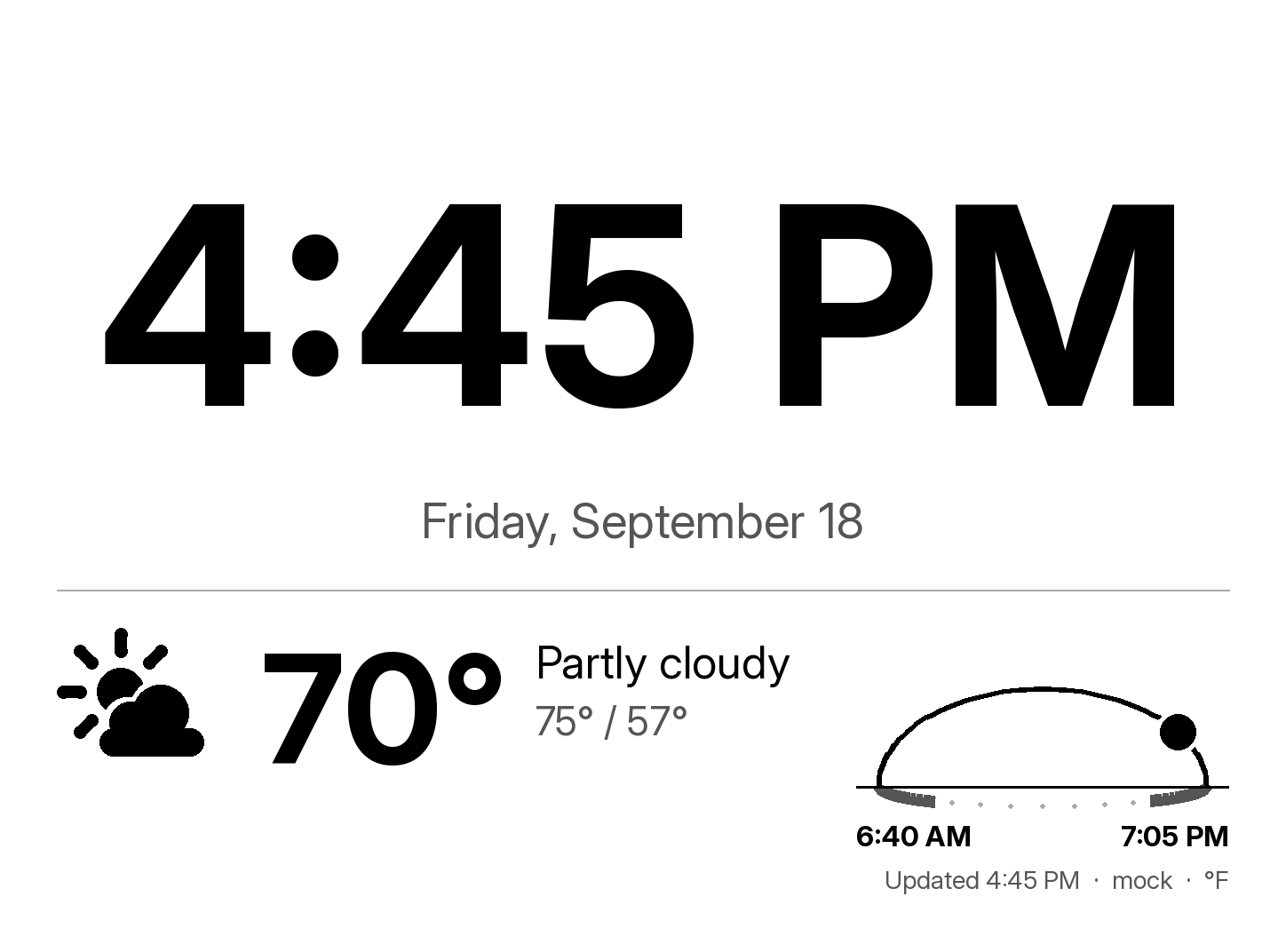 |
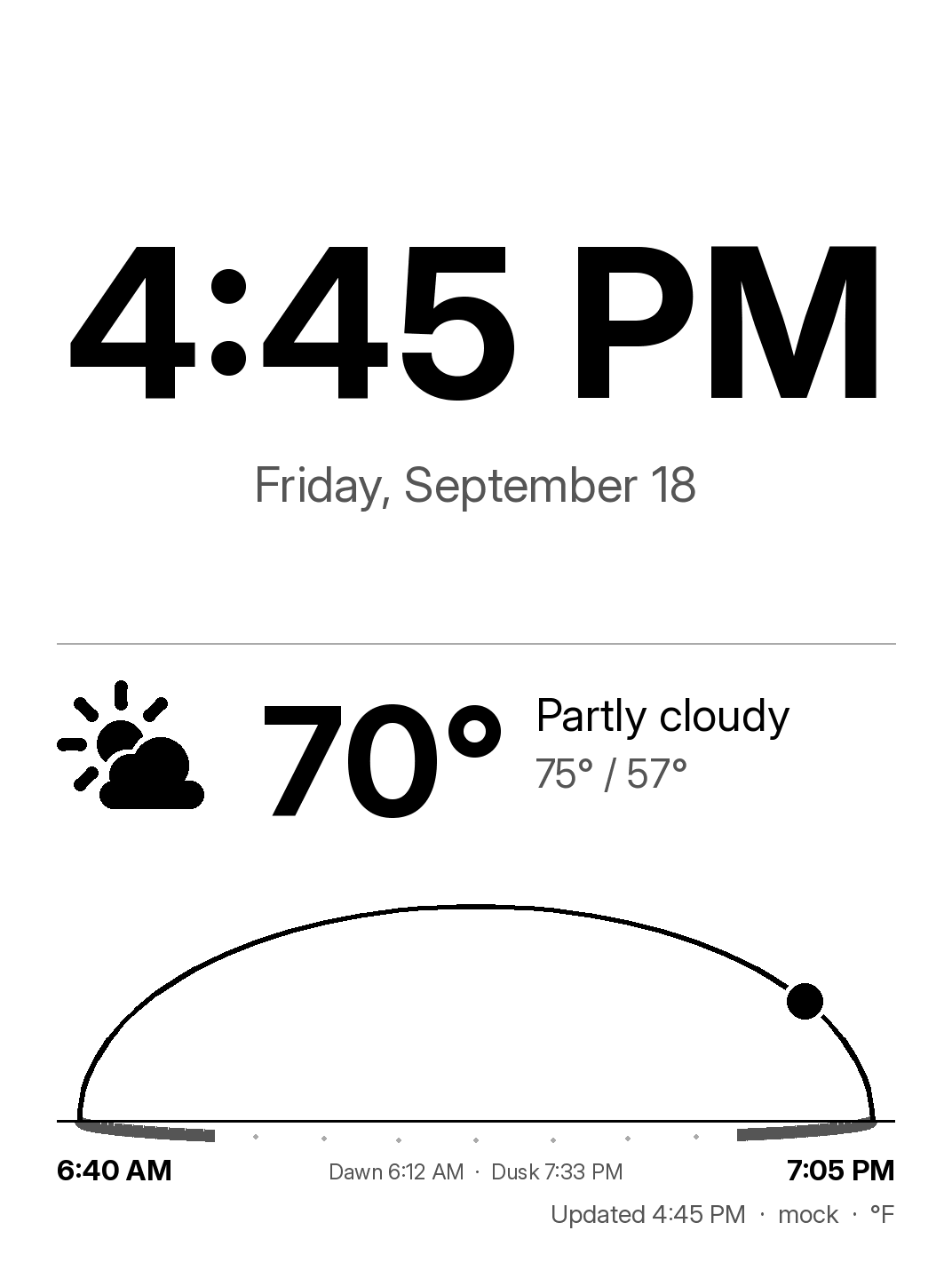 |
forecast |
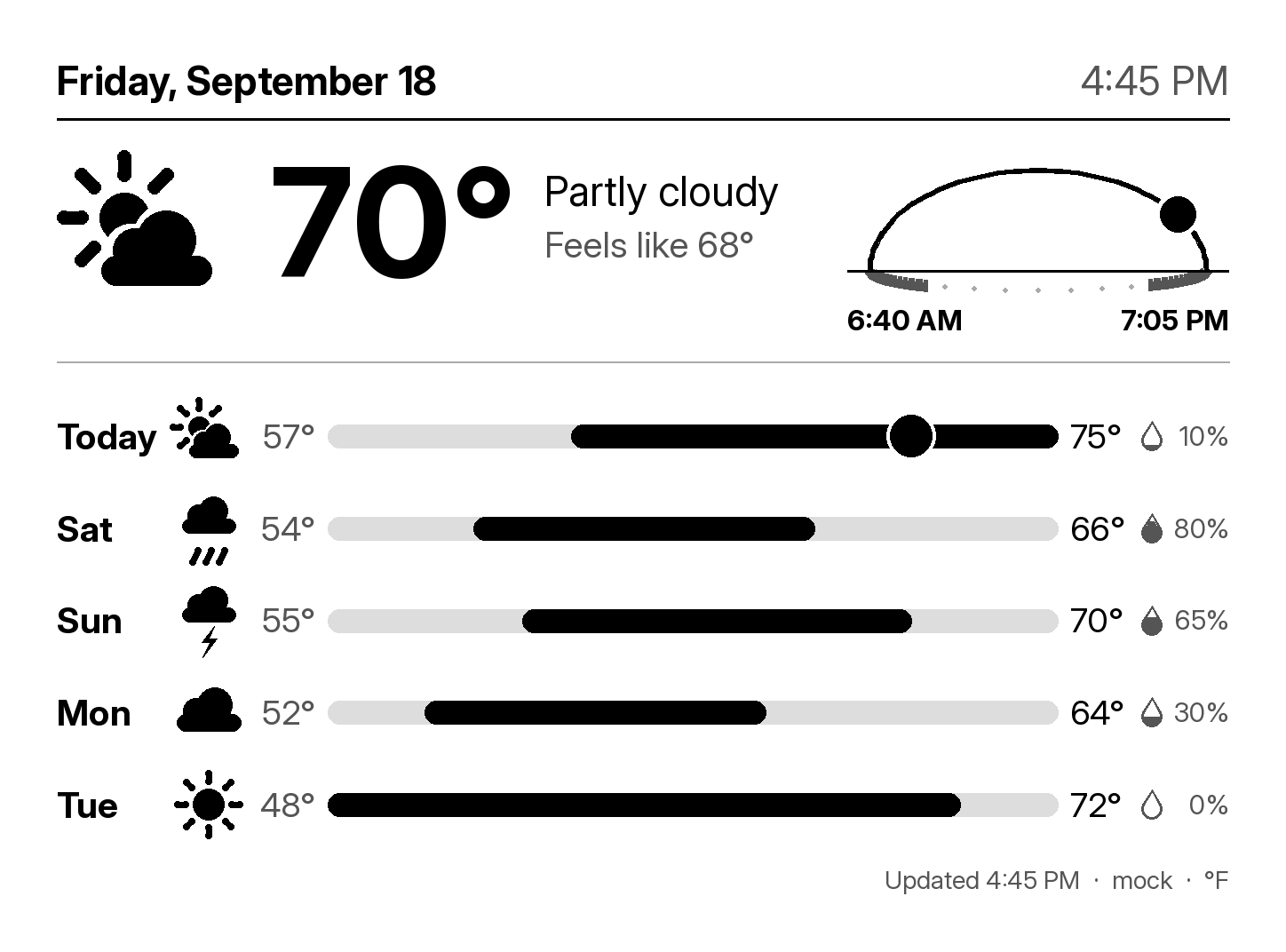 |
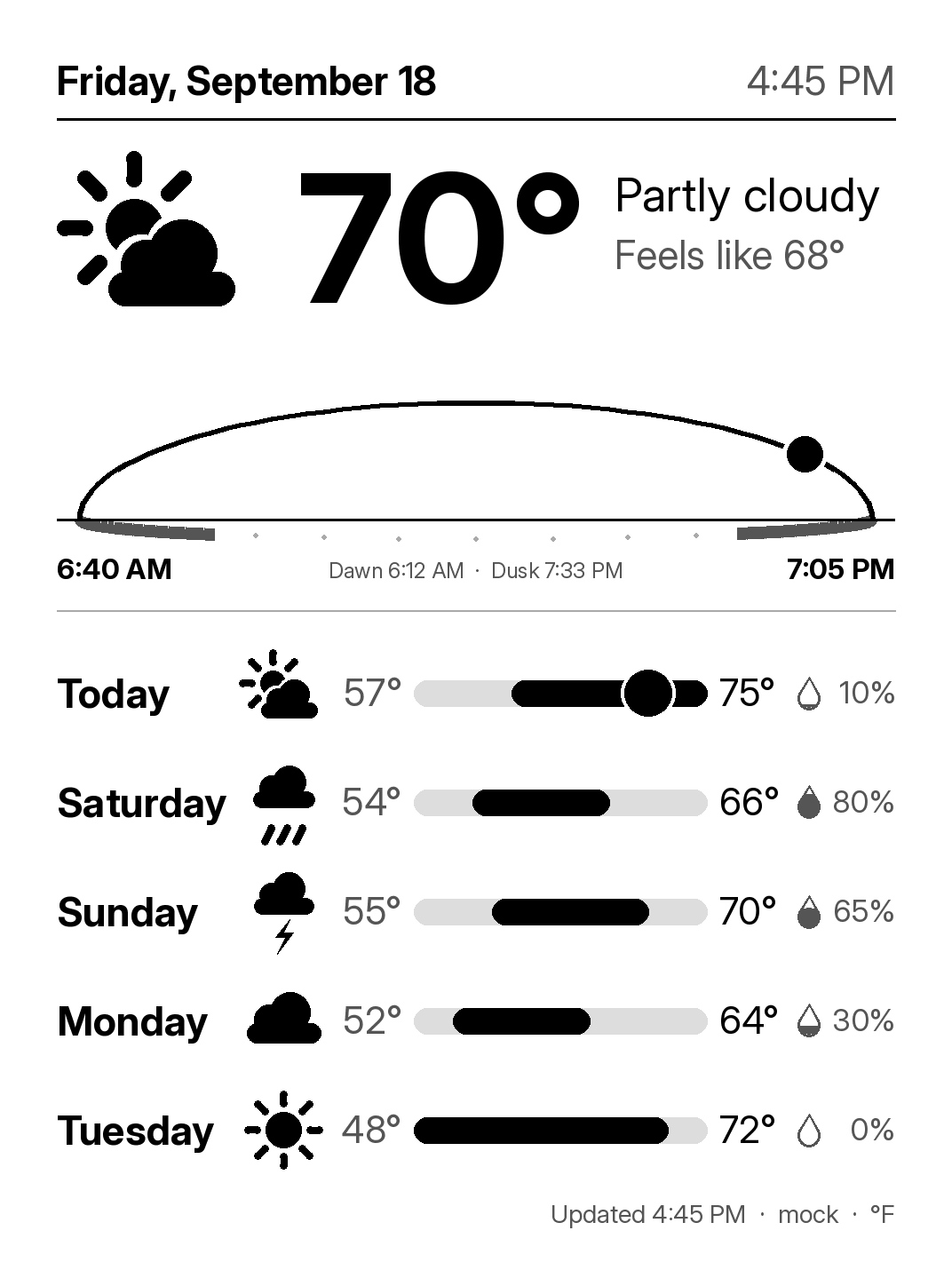 |
graphic |
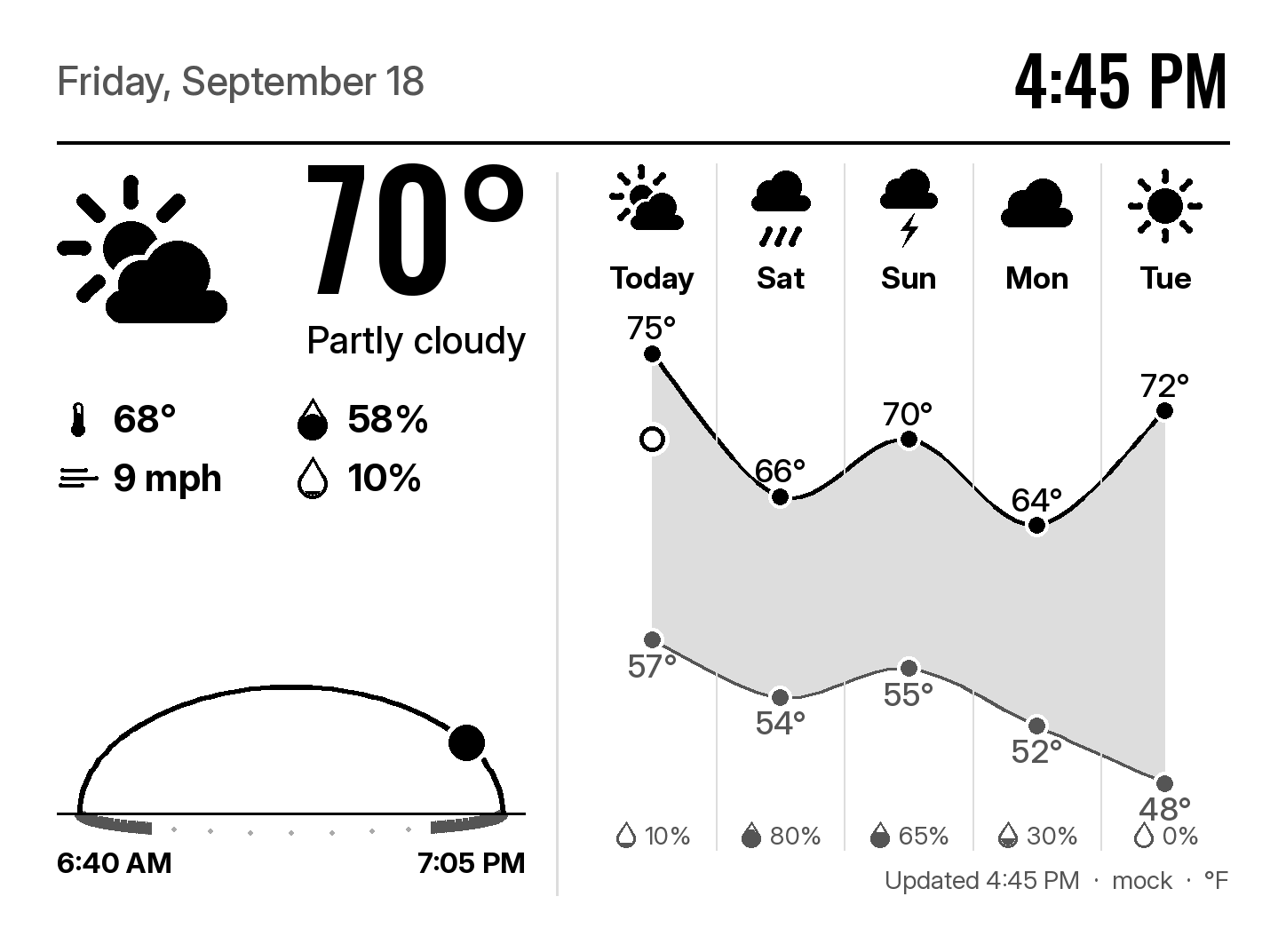 |
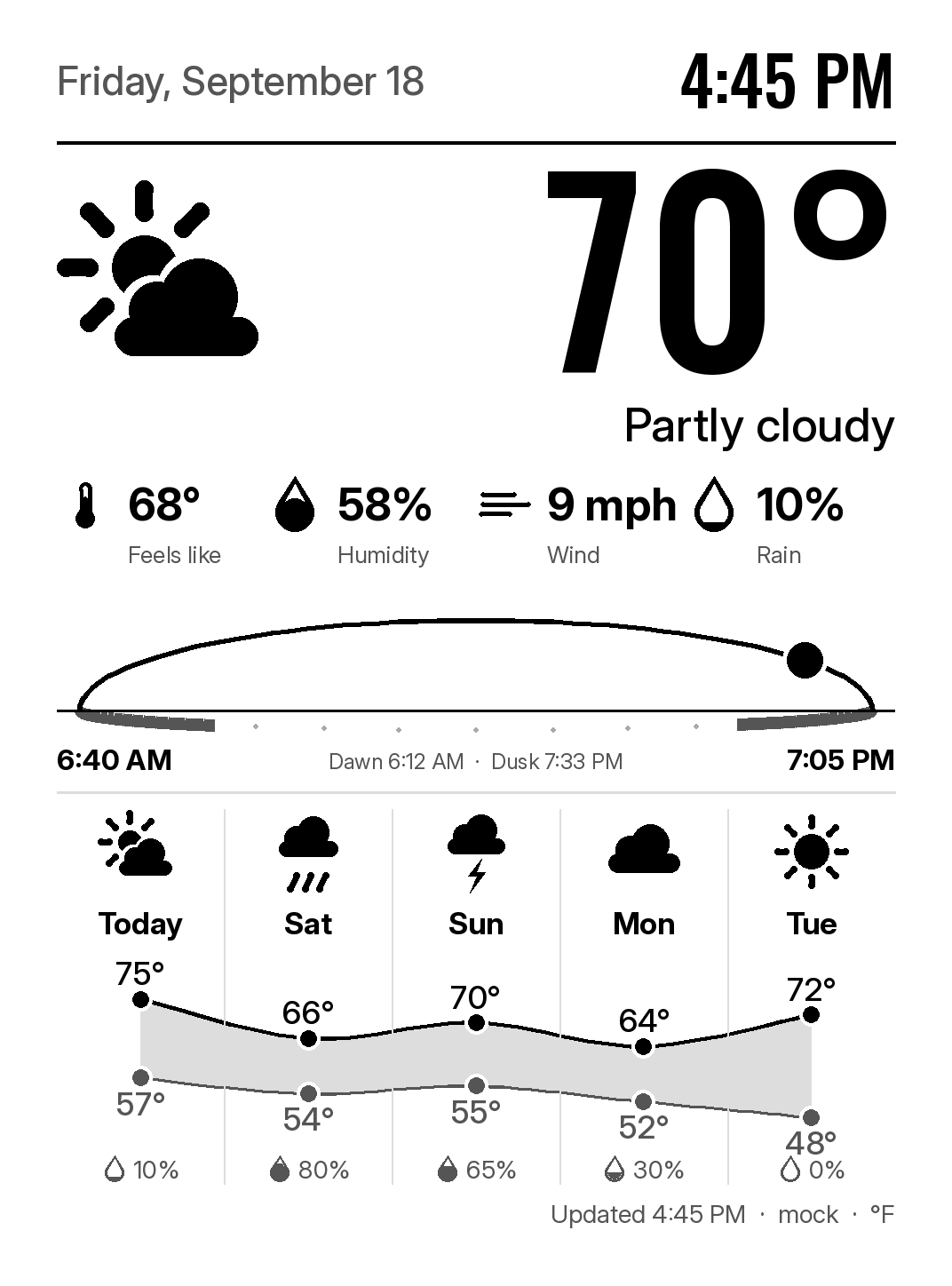 |
timeline |
 |
 |
weather-station |
 |
 |
newspaper |
 |
 |
Pages
- Architecture: the client-server decision, alternatives, open questions.
- Deploying the service: the Raspberry Pi unit, its routes, configuration, checks.
- Device notes: what was verified on the Kindle, the jailbreak runbook, power measurements.
- Roadmap: sprints, what is done, what is open.
- Repository state: branch protection, security features, CI, verified with dates.